Latest topics ·
What Is The Process To Report A Bad Website?
Learn how to report malicious, fraudulent, or unsafe websites to the appropriate browser, hosting, government, and security authorities.
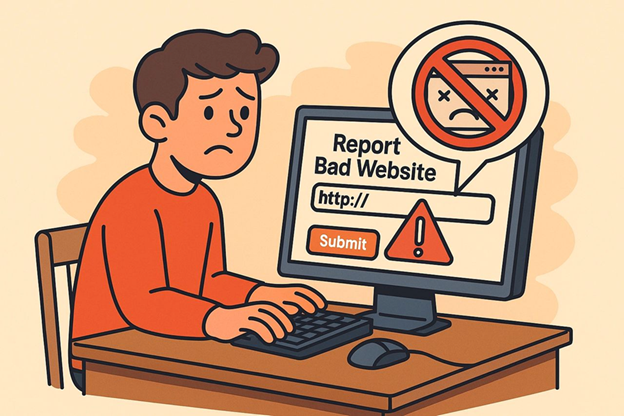
What Is The Process To Report A Bad Website?
1. Report to the Hosting Provider or Domain Registrar
a. Check the Domain Registrar / Hosting Info
Use a WHOIS Lookup or ICANN Lookup to find:
- The registrar (e.g., Namecheap, GoDaddy, etc.)
- The hosting provider
- Abuse contact email
- Example: If it shows Namecheap, send a report to: abuse@namecheap.com
What to include:
- Website URL
- Why you believe it's a scam (details, screenshots, etc.)
- Any interactions or suspicious behavior (e.g., wire transfer requests)
2. Report to Federal Trade Commission (U.S. Residents)
FTC Complaint Assistant:
https://reportfraud.ftc.gov/
What to include:
- Website URL
- Description of the scam or suspicious behavior
- Any money lost or attempted scams
3. Report to Google (for search & ads abuse)
Safe Browsing Report Phishing Site:
https://safebrowsing.google.com/safebrowsing/report_phish/
If the site appears in ads:
https://support.google.com/google-ads/troubleshooter/4578507
4. Report to IC3 (for internet crime - U.S. only)
Internet Crime Complaint Center (FBI):
https://www.ic3.gov/
Use this for high-value fraud, wire fraud, impersonation scams, etc.
5. Report to Anti-Scam Databases
- Scamwatch (Australia)
- Econsumer.gov (International)
- Better Business Bureau (BBB)
Optional: Post Warnings
- Reddit r/scams
- Trustpilot (if the business has a profile)
- BBB Scam Tracker
- Facebook groups or industry forums relevant to equipment purchases